Free quick start
Edit videos by talking to your AI agent.
The setup and first prompt I use to turn raw footage into a first edit with Claude Code or Codex.
You saw the split-screen, motion graphics, tracked finger and CTA in the Reel. This is the starting point.
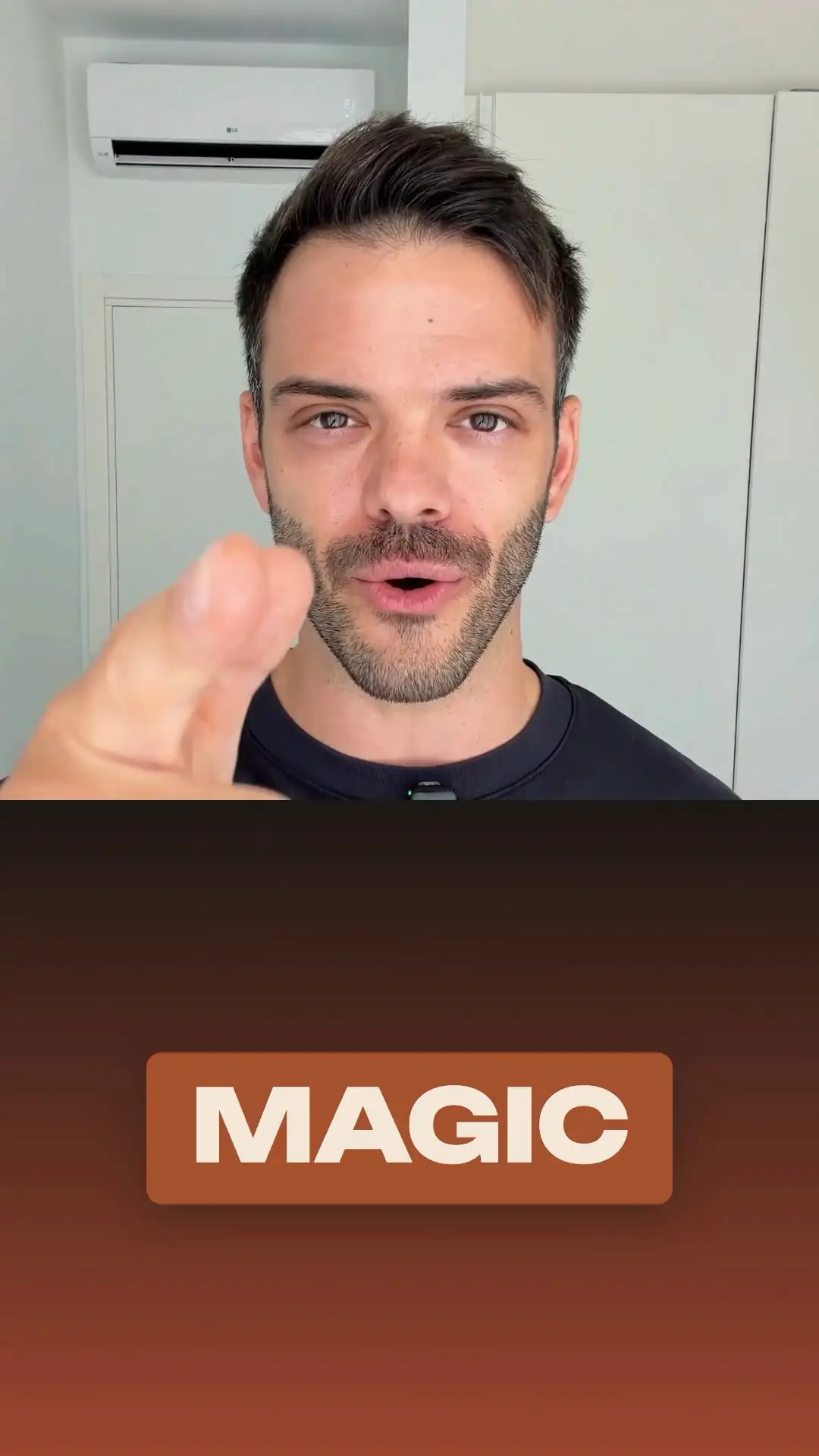


Frames from that Reel — the edit itself was the conversation.
Most of the videos on @denis_eps were made this way.
What is inside
Prepare
What to have ready before you open anything: your clips, where they live on disk, and the one detail that decides whether the agent's first attempt is usable or random.
Set up
What to install and how to point the agent at your footage. You do this once on your machine, then never think about it again.
Make your first edit
One request you can copy and paste as-is. It runs on your own footage and gives you a real cut back — not a demo file.
Fix the obvious failures
The handful of things that go wrong on the first pass, and the short follow-up message that fixes each one.
Before you sign up
Do I need to know how to code?
No. The editing itself is a conversation in plain language. Setup asks you to install a tool and run a couple of commands in a terminal once — the guide shows exactly what to type, but if a terminal is completely new to you, expect that part to take a little longer.
Does this work with Claude and Codex?
Yes. The preparation, the setup and the first request are the same for Claude Code and Codex, and I use both. Where one of them behaves differently, the guide says so.
Is this the exact setup from the Reel?
It is the same setup. The Reel shows the result after several rounds of asking and correcting; the quick start gets you to your first edit. Some effects land immediately, others need a few passes, and not every effect works on every clip — the guide is honest about which is which.